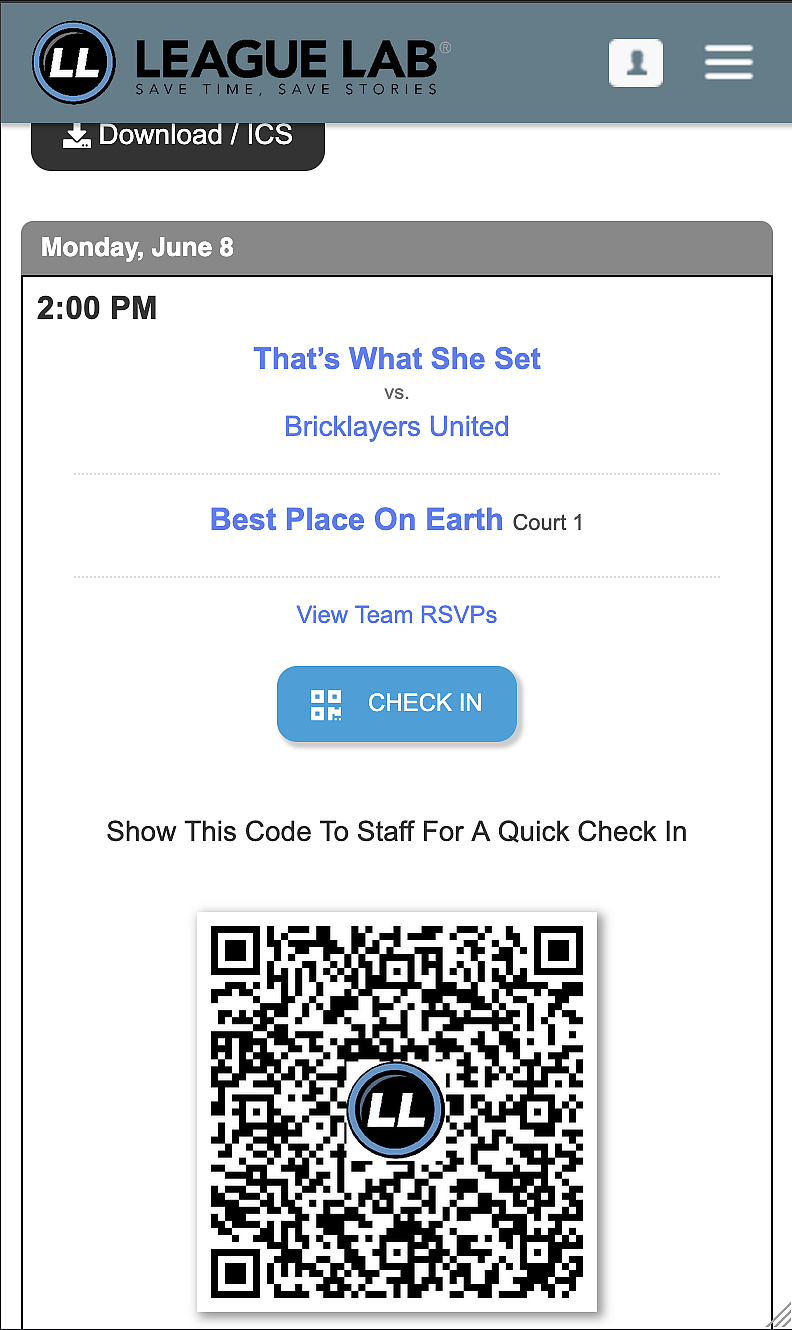
Players get a personal QR code for each game, staff scan it from their phone, and attendance logs in seconds.
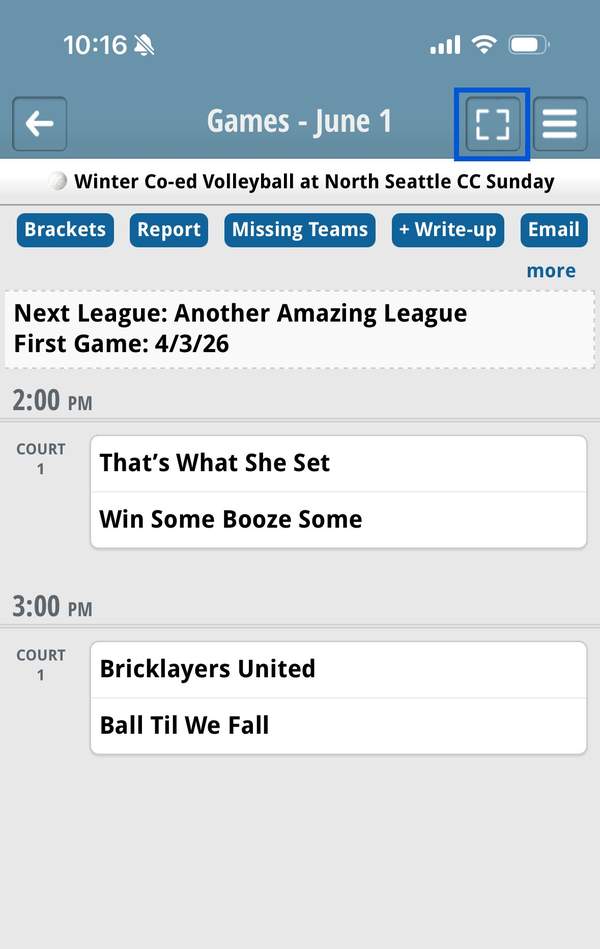
Staff members will need to click the scanner option in the top right of the mobile admin. Once in scanner mode the staff member can scan a players QR code and check them in.
Here’s what staff and players will see on game day.
? Staff: tap scan icon top-right |
|
|